
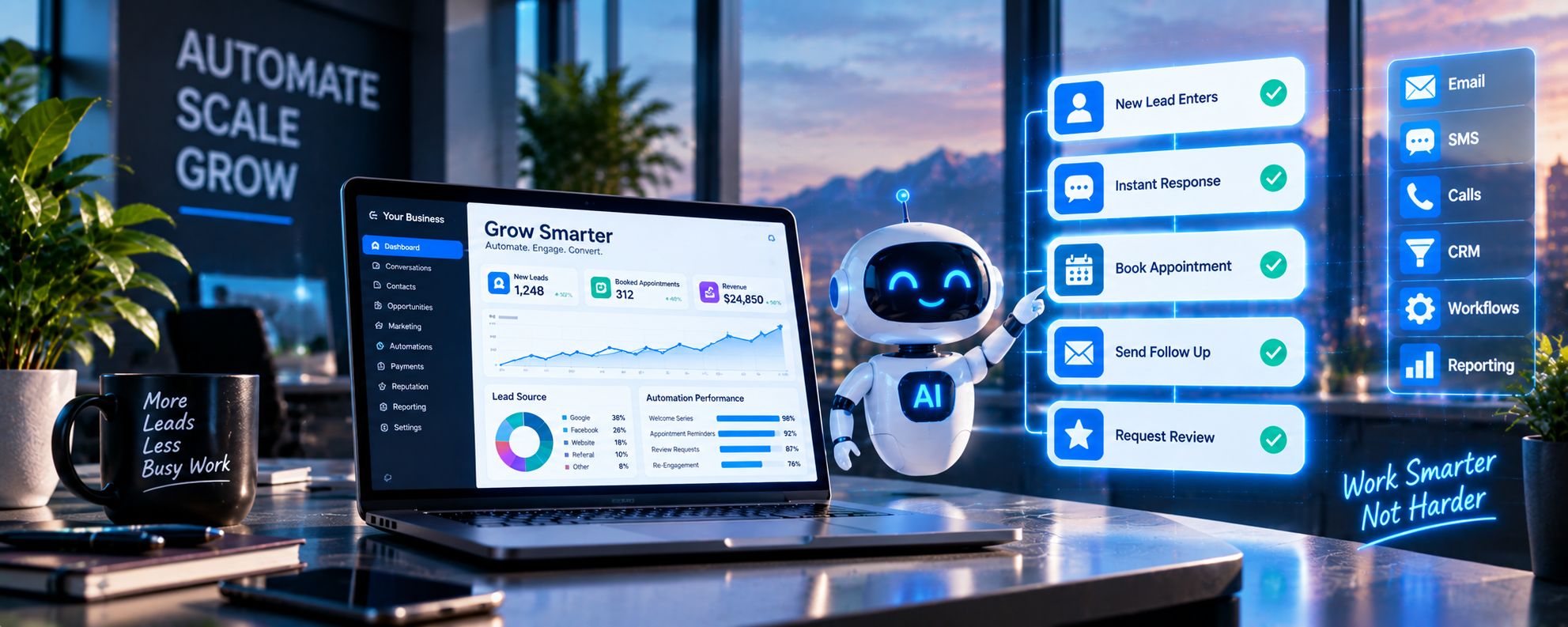
Turn More Inquiries Into Organized, Followed-Up Opportunities
Millennial PLS connects AI-assisted conversations, missed-call response, CRM workflows, appointment communication, lead routing, and automated follow-up so businesses can respond faster without losing human oversight.
We build practical systems around how your company receives, qualifies, assigns, follows up with, and tracks customer inquiries.
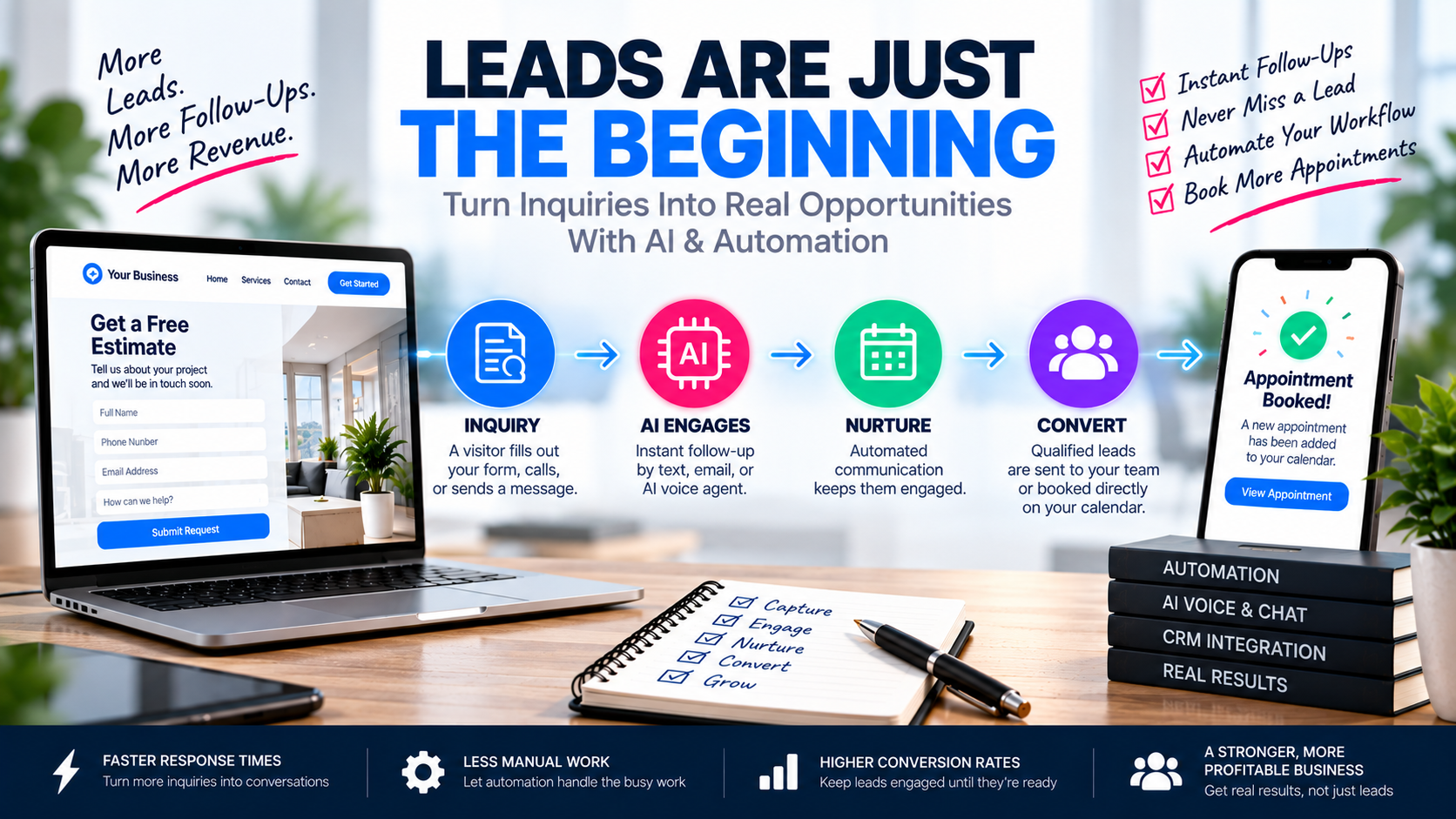
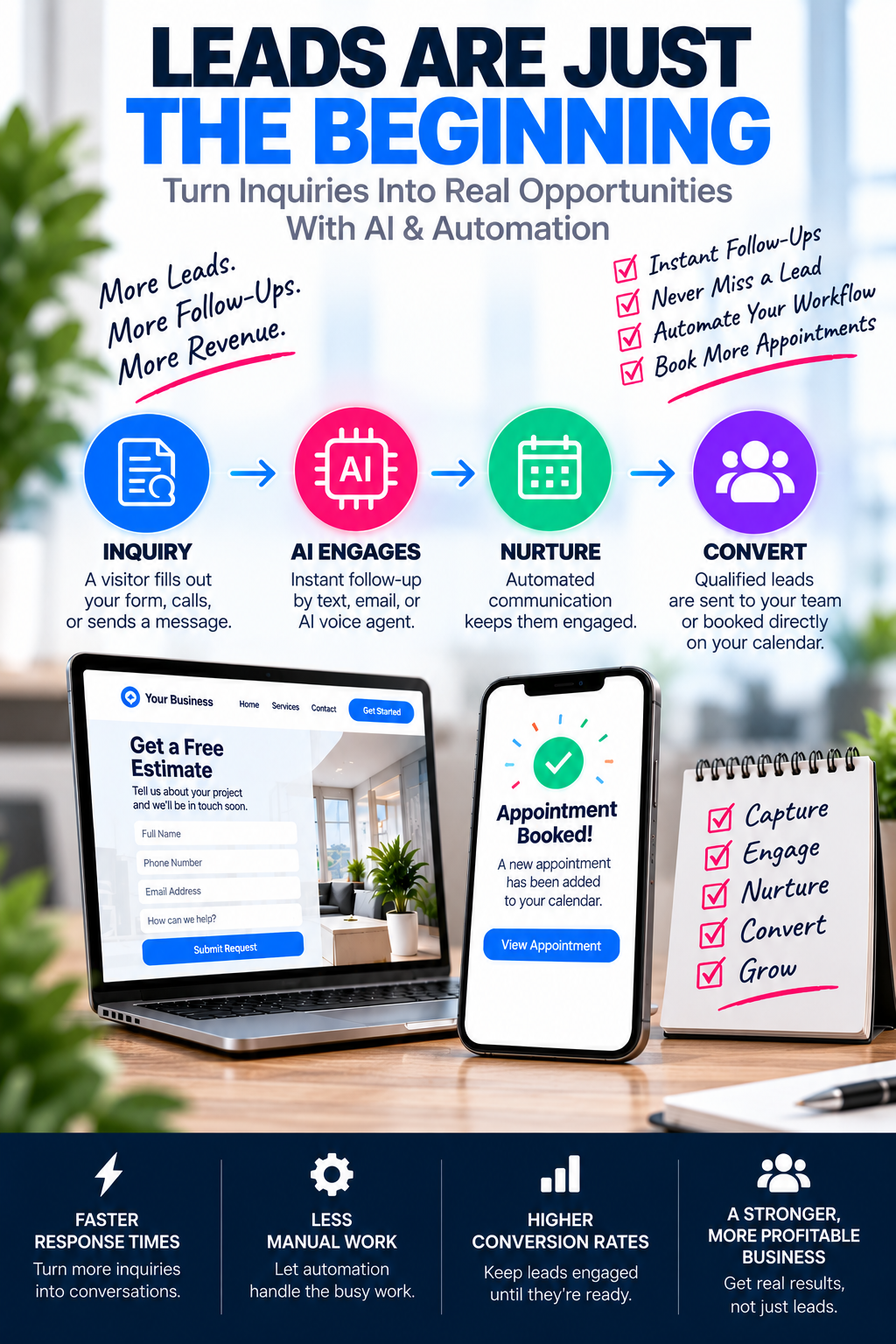
Generating a Lead Is Only the Beginning
A campaign, search result, referral, or website can generate interest, but the opportunity may still be lost when no one responds, information is incomplete, follow-up is inconsistent, or the inquiry never reaches the correct employee.
Response Is Too Slow
The lead submits a form, calls after hours, or sends a message but receives no acknowledgment or clear next step.
Information Is Disorganized
Contact details, conversation history, appointment information, and lead source may be stored in different systems or personal inboxes.
Follow-Up Depends on Memory
Staff must remember to send confirmations, follow up, update stages, assign tasks, and recontact unresponsive leads manually.
The Business Cannot See the Outcome
The company may know how many leads entered the system but not which leads responded, qualified, booked, or became customers.
AI, Automation, and CRM Have Different Responsibilities
Three Different Jobs, One Connected System
- • Understands common customer language
- • Answers approved questions
- • Gathers information & qualifies
- • Helps route the conversation
- • Identifies when a human is needed
- • Performs defined actions after a trigger
- • Sends confirmations & reminders
- • Creates tasks & notifies staff
- • Assigns leads & updates records
- • Begins follow-up sequences
- • Stores contact information & history
- • Records lead source
- • Tracks appointments & pipeline
- • Assigns users & stores tasks
- • Reports outcomes
Use AI Where a Faster, Consistent Conversation Adds Value
AI Phone Receptionist
- • Answer inbound calls with approved greeting
- • Identify reason for calling
- • Answer common questions
- • Gather contact info & service details
- • Support lead qualification
- • Offer appointment options
- • Transfer or route calls
- • After-hours call handling
- • Human escalation available
Conversation AI
- • Website chat assistant
- • SMS conversation assistant
- • Supported social messaging
- • Acknowledge new inquiries
- • Answer approved FAQs
- • Ask qualification questions
- • Support appointment booking
- • Notify staff & route conversation
- • Summarize & hand to a person
AI Lead Qualification
- • Requested service qualification
- • Geographic area check
- • Project or case type
- • Timeline & budget range
- • Eligibility & urgency
- • Appointment preference
- • Existing customer status
- • Preferred communication method
AI Appointment Assistance
- • Explain appointment options
- • Show approved availability
- • Collect required information
- • Book an appointment
- • Request rescheduling
- • Provide preparation info
- • Confirm meeting method
- • Notify staff & record in CRM
AI Conversation Summaries
- • Reduce time reviewing long conversations
- • Identify the customer's request
- • Highlight collected information
- • Record important next steps
- • Help staff prepare for follow-up
- • Keep notes organized
AI-Assisted Review Responses
- • Draft professional review responses
- • Maintain consistent brand voice
- • Identify common customer themes
- • Route negative feedback for human attention
- • Save staff time
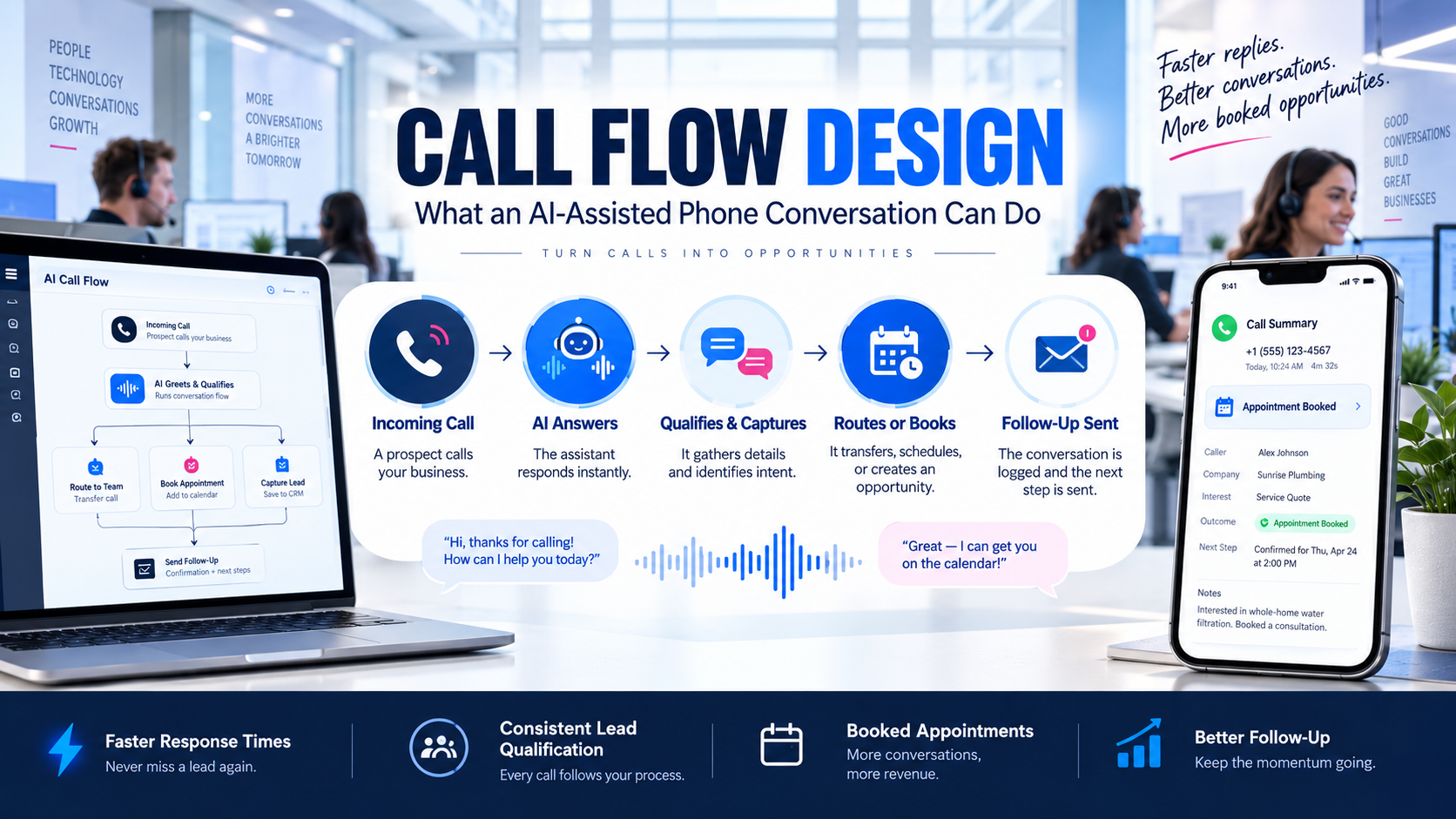
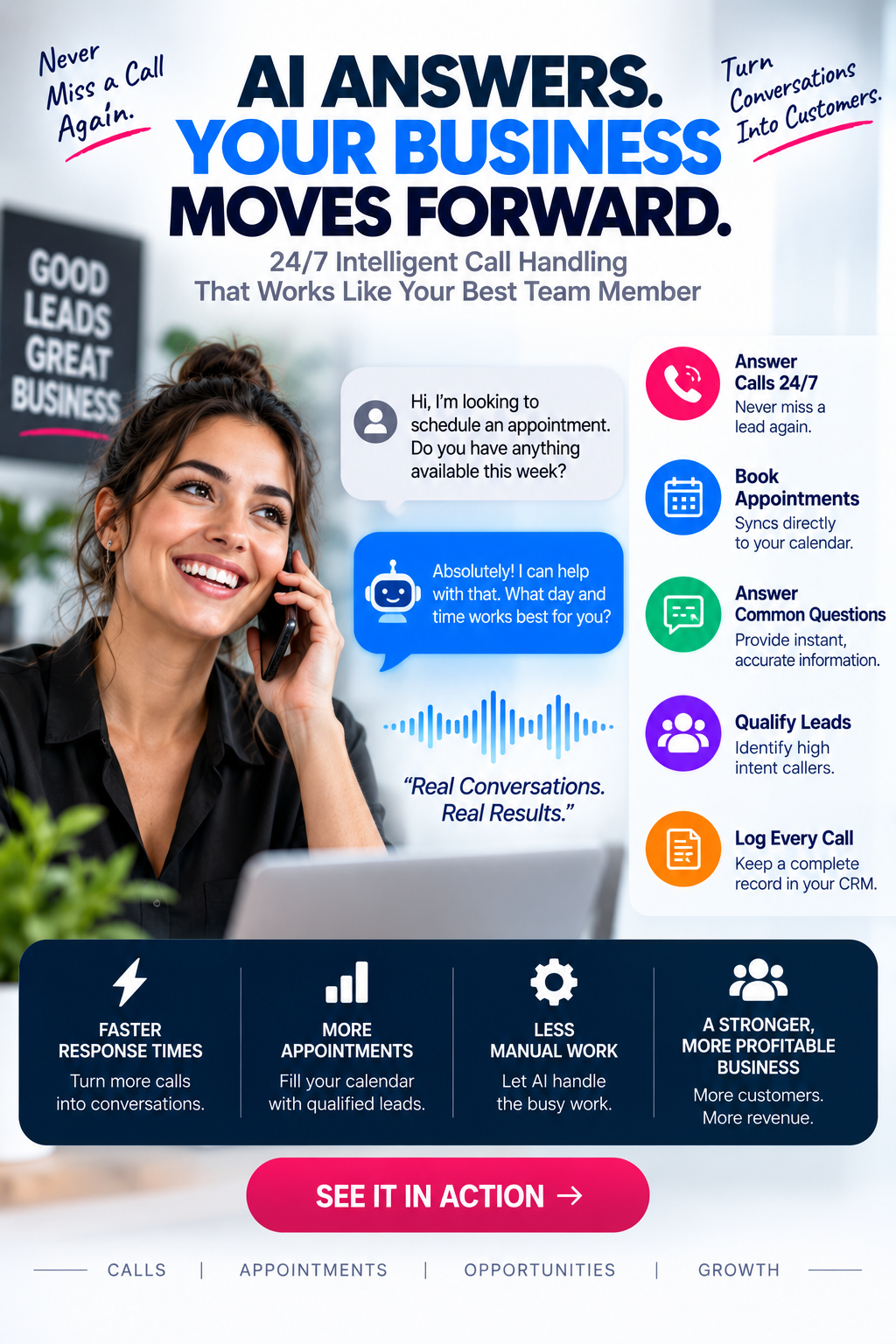
What an AI-Assisted Phone Conversation Can Do
What an AI-Assisted Phone Conversation Can Do
The exact call flow should be designed around the business's services, staff availability, customer needs, and escalation requirements.
A Useful AI Conversation Should Move Toward a Clear Next Step
A Useful AI Conversation Moves Toward a Clear Next Step
"Do you provide this service in my area?"
"Yes, I can help check the service area. What city or ZIP code is the service needed in?"
"85281, I need a consultation next week."
"We serve that area. Would you like to schedule a consultation, or would you prefer a call from our team first?"
No real customer conversation shown. AI uses verified business information only and does not invent prices, availability, or guarantees.
Reduce Repetitive Tasks Without Losing Control
New Lead Response
- • Confirmation email & text
- • Notify assigned staff
- • Create contact & opportunity
- • Apply lead-source tag
- • Assign pipeline stage
- • Create follow-up task
- • Begin follow-up sequence
Missed-Call Response
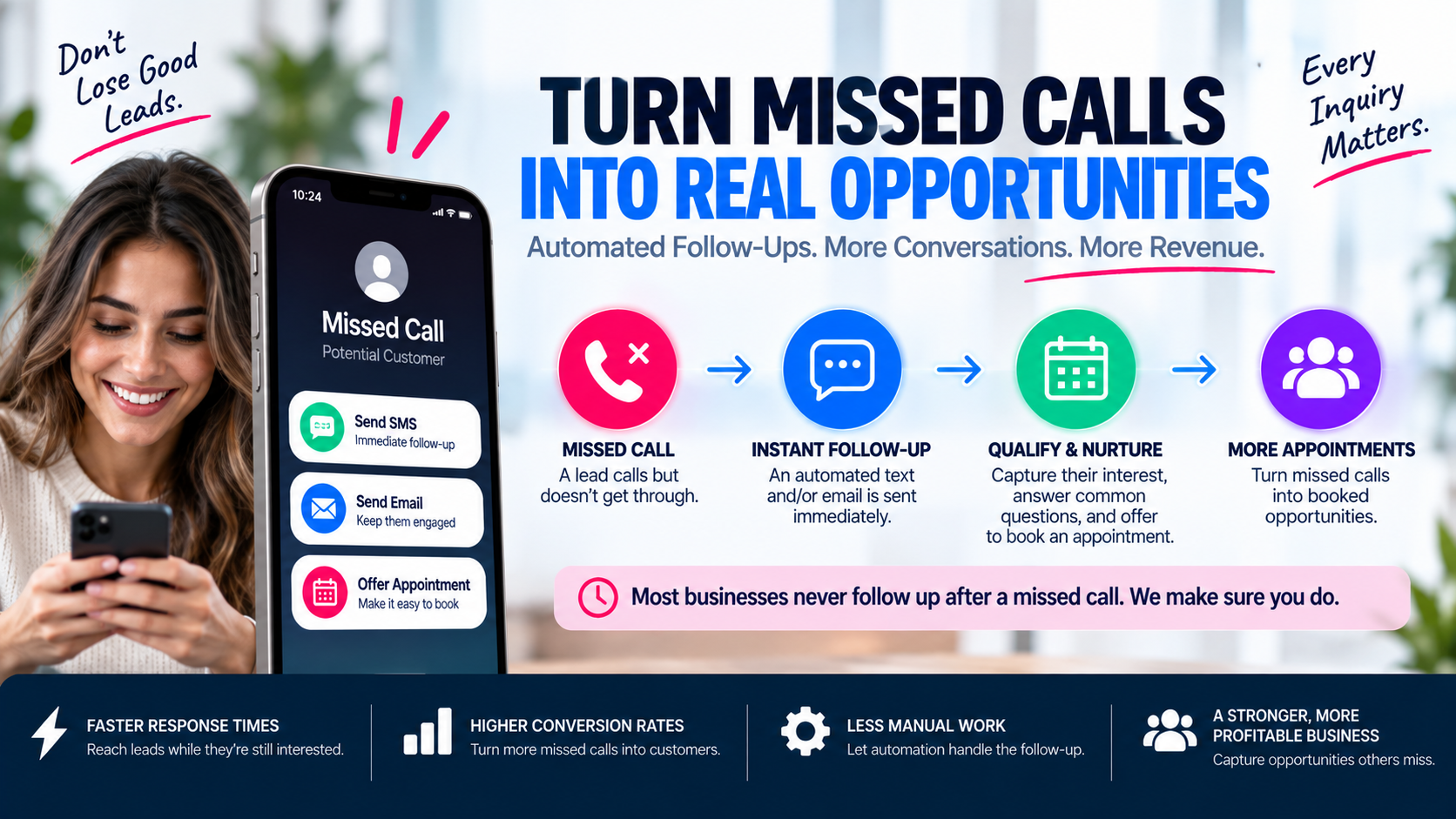
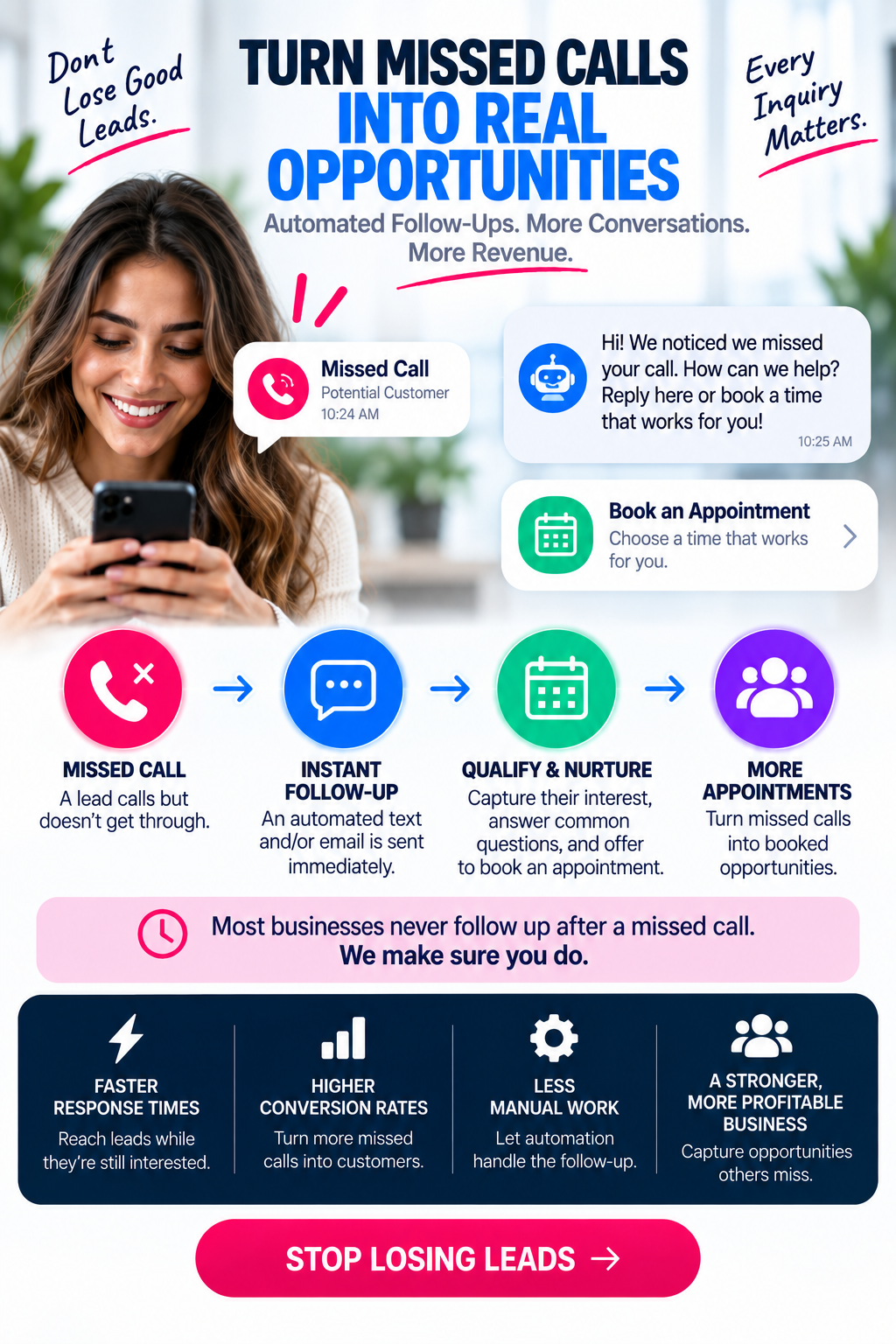
- • Detect unanswered inbound call
- • Send approved acknowledgment text
- • Notify assigned employee
- • Create or update contact
- • Record the missed call
- • Offer booking link
Appointment Automation
- • Confirmation email & text
- • Internal notification
- • Reminder sequence
- • Preparation instructions
- • Rescheduling link
- • No-show follow-up
- • Post-appointment message
Lead Assignment & Routing
- • Requested service routing
- • Location-based routing
- • Office or branch routing
- • Availability & responsibility
- • Round-robin assignment
- • Priority level routing
- • Fallback rules
Pipeline Automation
- • Move opportunity stages
- • Create tasks at each stage
- • Send internal alerts
- • Start follow-up sequences
- • Stop irrelevant messaging
- • Record loss reasons
- • Begin reactivation later
Unresponsive-Lead Follow-Up
- • Limited sequence of follow-ups
- • Vary email & SMS timing
- • Offer alternate next step
- • Pause when lead responds
- • Stop after approved sequence
- • Route replies to a person
Review Requests
- • Trigger after approved milestone
- • Send direct review link
- • Send limited reminder
- • Record request status
- • Notify staff about feedback
- • Route concerns appropriately
Lead & Customer Reactivation
- • Old unresponsive leads
- • Prior estimates & appointments
- • Previous customers
- • Seasonal customers
- • Expired opportunities
- • Customers due for recurring service
Internal Operations Automation
- • Create internal tasks
- • Notify departments
- • Assign owners
- • Update custom fields
- • Send internal summaries
- • Flag missing information
- • Notify about stalled opportunities
A Missed Call Should Have an Organized Next Step
A Missed Call Should Have an Organized Next Step
Automation Should Support the Complete Customer Journey
Automation Should Support the Complete Customer Journey
- • Call
- • Form
- • Chat
- • Message
- • Confirmation
- • AI response
- • Missed-call ack
- • Staff notification
- • Service
- • Location
- • Timeline
- • Eligibility
- • Calendar
- • Confirmation
- • Reminders
- • Rescheduling
- • Assignment
- • Pipeline stage
- • Tasks
- • Notes
- • SMS
- • Calls
- • Human outreach
- • Updates
- • Reminders
- • Documents
- • Post-service
- • Review request
- • Reactivation
- • Repeat service
- • Referrals
AI That Knows Your Business, Knows Its Limits, and Knows When to Get a Person
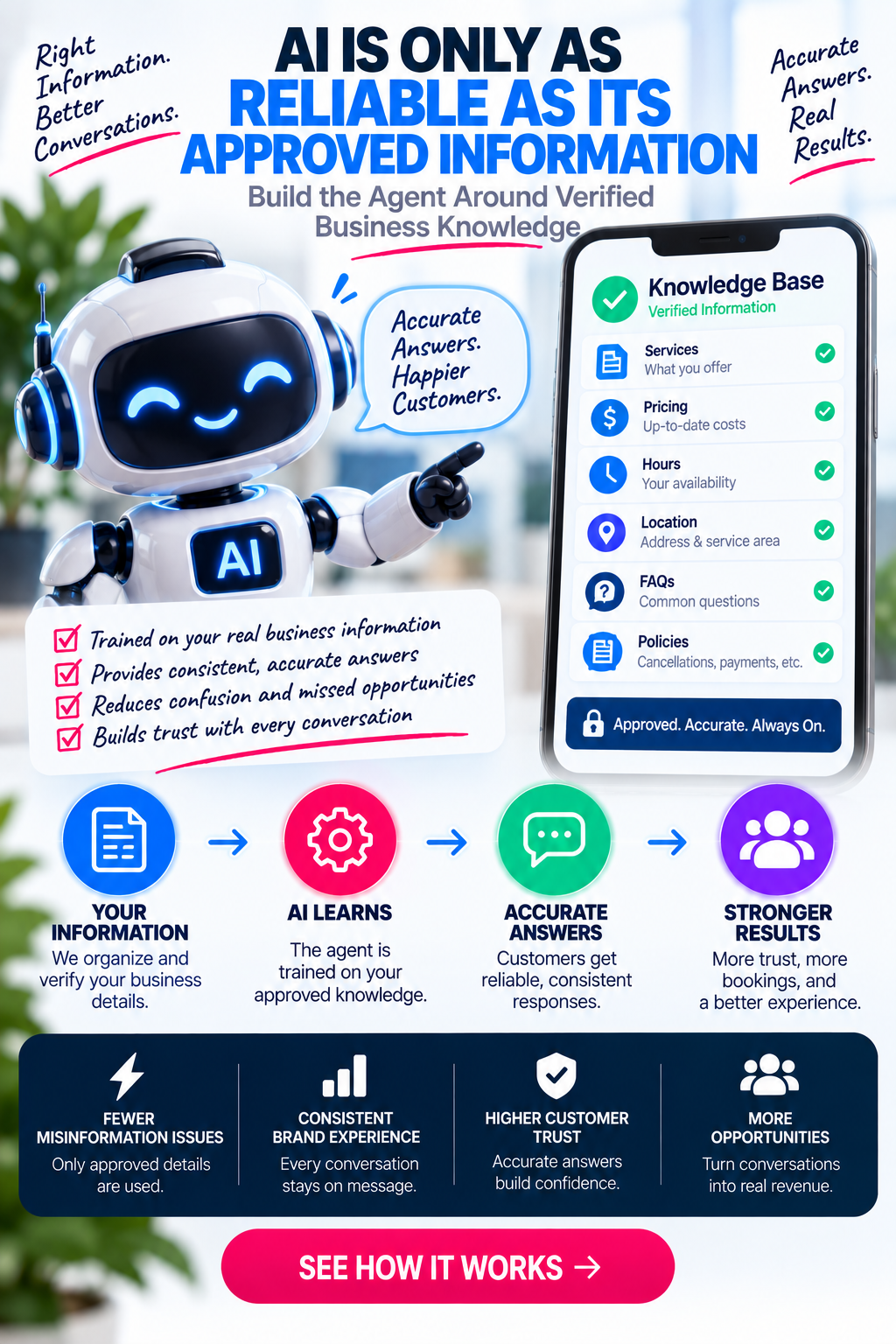
Effective automation is built on verified knowledge, tested before launch, and designed with clear guardrails — so the customer experience stays protected and every conversation has a safe path to a real person.
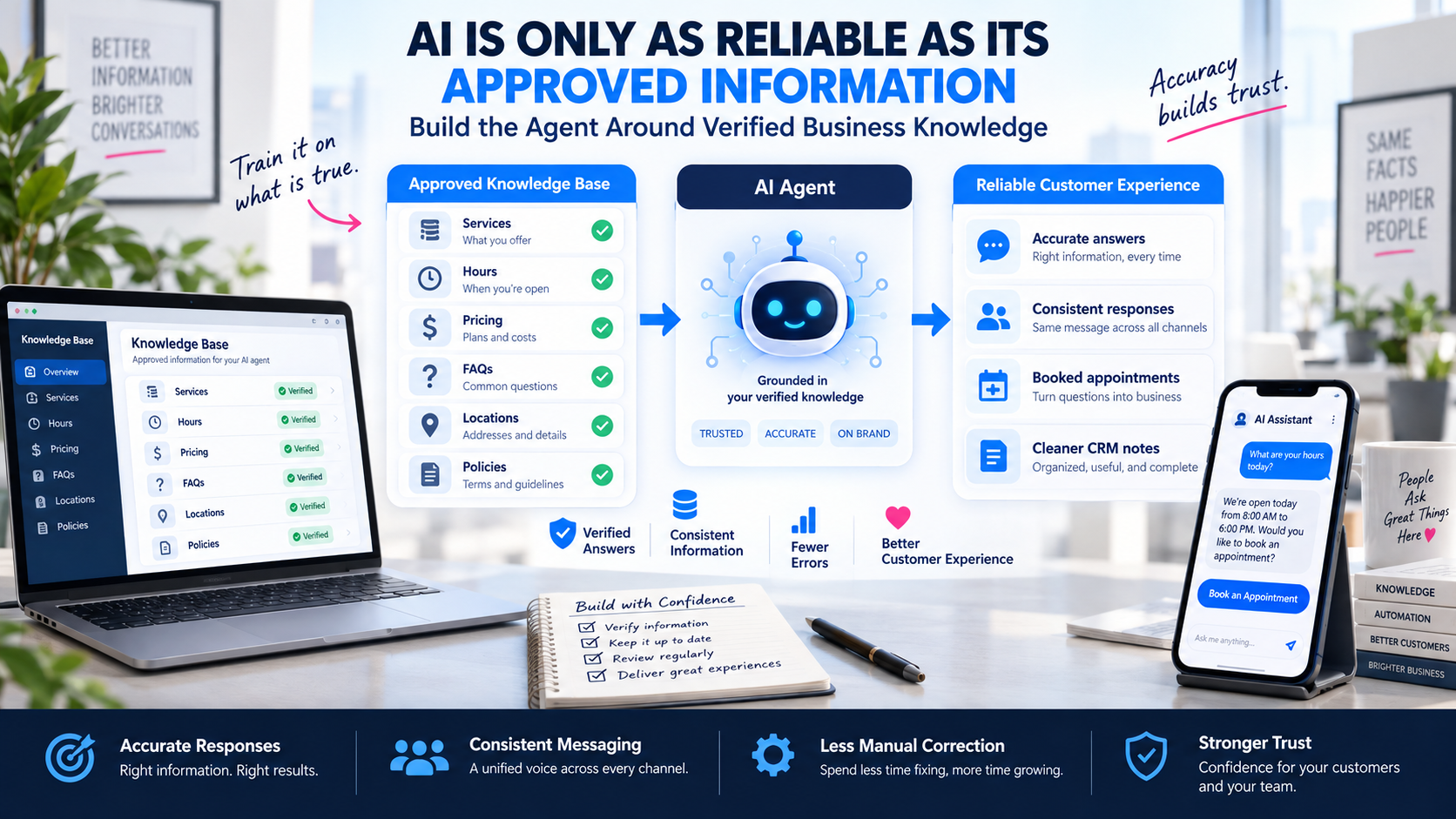
Trained on Approved Information
The agent works from your website, service descriptions, FAQs, pricing, policies, and escalation rules — organized by topic, reviewed by the business, and tested before publishing.
- Organized knowledge base
- Approved & current
- No internet guessing
Clear Path to a Real Person
When a prospect asks for help, the question is sensitive, or the AI cannot confidently answer, the conversation is instantly escalated with full context to a team member.
- Prospect requests a person
- Sensitive or complex topics
- High-value lead alerts
More Than Just a Prompt
Every automation goes through journey review, knowledge development, CRM integration, testing, and a controlled launch before it goes live.
- Journey mapping
- Integration & testing
- Controlled rollout
Guardrails That Protect
Transparency, consent, frequency limits, role-based access, and audit logging keep the system useful without overstepping its role.
- Consent & disclosure
- Frequency limits
- Audit & review
Transparency & Consent
Approved AI disclosure where required, consent-aware messaging, and opt-out handling.
Human Escalation
Restricted-topic rules and clear paths to a real person when needed.
Frequency & Limits
Message-frequency limits, workflow stop conditions, and error monitoring.
Knowledge Approval
Approved information sources, testing, and change control before publishing.
Role-Based Access
Secure credentials and role-based account access for sensitive actions.
Audit & Review
Conversation logging where appropriate, audit history, and regular review.
AI should not pretend to be a specific employee, invent company information, provide regulated professional advice, handle emergencies without an approved escalation response, or make high-impact decisions without human review. Confidential information should not be used as public agent training material.
Every Lead Has a Clear Next Step, and You Can See It
Automation keeps each inquiry moving through a defined pipeline, while reporting shows whether the system is actually creating better follow-up and outcomes.
- Calls, forms, chats
- Response time
- AI conversations
- Missed-call recovery
- Qualified leads
- Appointments
- Opportunities
- Won outcomes
- Completed workflows
- Failed actions
- Duplicate prevention
- Opt-outs
- Contact rate
- Qualification rate
- Appointment rate
- Lead source
Demonstration data shown. Never present sample data as actual client results.
Build Around the Business, Not a Generic Template
Home Services
- • Missed-call response
- • Service-area qualification
- • Estimate requests
- • Appointment scheduling
- • Technician notification
- • Follow-up
Professional Services
- • Intake
- • Consultation scheduling
- • Service qualification
- • Document requests
- • Human escalation
- • Long-term follow-up
Funeral & Cremation
- • Administrative intake
- • General service info
- • Location & availability
- • Staff notification
- • Human handoff
- • Appointment coordination
Healthcare & Wellness
- • Administrative questions
- • Appointment requests
- • General service info
- • Reminders
- • Intake links
- • Staff routing
Contractors & Remodelers
- • Project-type qualification
- • Service-area collection
- • Consultation scheduling
- • Estimate follow-up
- • Project reminders
- • Lead reactivation
Multi-Location
- • Location routing
- • Department routing
- • Location calendars
- • Location-specific info
- • Central reporting
- • Pipeline ownership
Nationwide Service
- • Territory qualification
- • Time-zone-aware routing
- • Department assignment
- • National scheduling
- • Centralized CRM
- • Source attribution
Retail & B2B
- • Product inquiries
- • Service questions
- • Appointment scheduling
- • Follow-up sequences
- • Reactivation
- • Review requests
Nationwide AI and Automation Support With Marketing Experience
Millennial PLS was established in 2018 to make practical digital strategy and powerful marketing technology more accessible to growing businesses. Before recommending any AI or automation, we review how your business currently works — then build around it.
- Established since 2018
- Nationwide service
- In-house marketing & technical capabilities
- Direct communication
- Marketing and CRM experience
- Website and form integration
- Lead-source attribution
- We find solutions
- AI-assisted phone & messaging
- Workflow development
- Appointment automation
- Pipeline organization
- Human handoff planning
- Testing and quality control
- Compliance awareness
- Continuous improvement
- Inquiry volume
- Response time
- Missed calls
- Repetitive questions
- Appointment process
- Staff roles
- Handoff requirements
- Compliance needs
- CRM organization
- Follow-up consistency
- Integration limitations
- Reporting gaps
- Lead source tracking
- Attribution accuracy
- Channel performance
Millennial PLS does not claim to have created the underlying AI models. We do not invent AI certifications, proprietary models, awards, office locations, client counts, or software partnerships.
Find Out Where AI and Automation May Add the Most Value
Before recommending an AI receptionist, chatbot, workflow, or new system, Millennial PLS reviews how inquiries currently enter the business, how staff responds, where information is stored, what follow-up occurs, and where opportunities are being delayed or lost.
See What Your Automation Review Covers
- • Calls
- • Forms
- • Chat
- • Social messaging
- • Appointment requests
- • Advertising leads
- • Business hours
- • After-hours response
- • Missed calls
- • Form confirmation
- • Message response
- • Staff ownership
- • Contact records
- • Lead source
- • Assignment
- • Stages
- • Tasks
- • Notes
- • Outcome tracking
- • Phone receptionist
- • Website chat
- • Messaging assistant
- • Qualification
- • Scheduling
- • Summaries
- • Human handoff
Questions Business Owners Ask Before Automating Customer Communication
Built to Be Found and Understood by AI Agents
Millennial PLS publishes a machine-readable Agentic Resource Discovery manifest so autonomous AI systems, registries, and search agents can verify and surface our services and tools — not just human visitors.
ARD Manifest Published
/.well-known/ai-catalog.json
RFC 8141 Identifiers Verified
urn:air:millennialpls.com
Agent-Crawlable Resources
Services + Tools indexed
Capability Tags Exposed
Machine-readable metadata
Discoverable Resources
5 indexedMillennial PLS Connected Marketing System
Connected customer acquisition and growth system integrating search advertising (Google Ads), social advertising (Meta Ads), SEO & local visibility, conversion-optimized websites, CRM pipelines, and AI-driven lead automation.
urn:air:millennialpls.com:services:connected-marketing-systemView →AI Marketing & Lead Automation Solutions
AI receptionists, automated instant follow-up, multi-channel workflow automation (SMS, voice, email), lead qualification, and appointment booking systems for businesses.
urn:air:millennialpls.com:services:ai-marketing-automationView →SEO & Local Search Optimization
Technical SEO, local search optimization, Google Maps ranking, structured schema markup, and organic search visibility programs for regional and national businesses.
urn:air:millennialpls.com:services:seo-local-searchView →Free Website Speed & Core Web Vitals Audit Tool
Interactive Google Lighthouse performance and Core Web Vitals audit tool for evaluating mobile and desktop page speeds, performance metrics, and optimization recommendations.
urn:air:millennialpls.com:tools:website-speed-auditView →Interactive Social Media ROI Calculator
Interactive return-on-investment calculator projecting estimated reach, engagement, qualified leads, and revenue from organic and paid social media campaigns.
urn:air:millennialpls.com:tools:social-media-roi-calculatorView →Build AI and Automation Around How Your Business Actually Works
See how calls, forms, conversations, appointments, CRM stages, staff responsibilities, and follow-up can work together—and where a practical automation may save time or protect an opportunity.
Find Out Where AI and Automation Could Save Time or Improve Follow-Up
Tell us how your business currently handles calls, forms, messages, appointments, and follow-up. Millennial PLS will review areas where AI, CRM workflows, or automation may help.